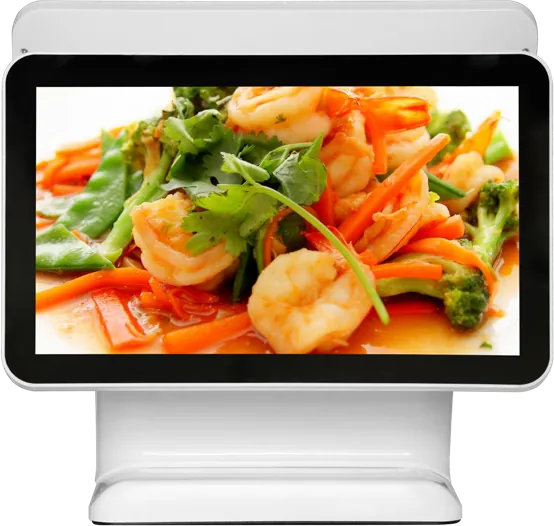
15.6″ dual-screen POS terminal
- Cashier touch checkout on the main screen
- Ads and posters on the customer display
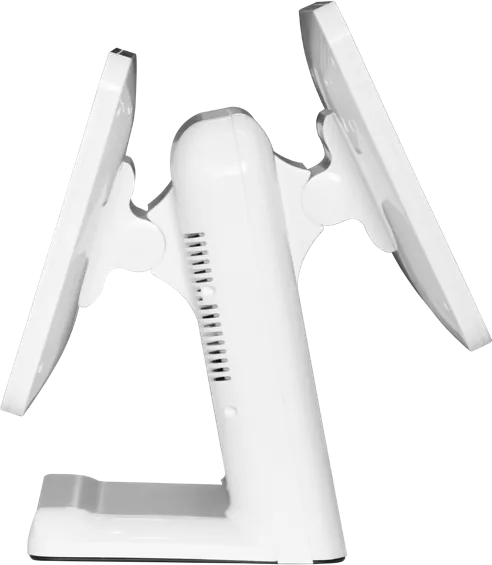
- Adjustable screen angle
- External receipt printer and QR scanner
Android / Windows
A dual-screen POS terminal has a touch screen for the cashier and a second display facing the customer for totals and advertising. We build it in Android and Windows versions with an adjustable screen angle and connections for receipt printers and QR scanners.
| Display | 15.6″ LED TFT, 1920 × 1080, 16:9 |
|---|---|
| Active area | 344.16 × 193.59 mm |
| Brightness / contrast | 220 cd/m² · 800:1 |
| Viewing angle | 178° / 178° |
| Android version | RK3288 quad-core 1.8 GHz · 2 GB + 16 GB · Ethernet, Wi-Fi |
| Windows version | Core i3-3217U 1.8 GHz · 4 GB + 128 GB · Ethernet, Wi-Fi |
| Speakers | Stereo 15 W + 15 W |
| Power | AC 110–240 V · ≤ 32 W |
| Environment | 0–40 °C operating · −10–50 °C storage |
Specifications are from the factory catalog and may change with configuration. Ask for the current spec sheet.
Android uses less power and needs no Windows license, so it is cheaper for new POS apps. Choose Windows if your existing POS software only runs on Windows.
Yes. The second screen shows totals during checkout and plays promotional images or video between orders.
Receipt printers, QR and barcode scanners, cash drawers and card readers through USB and serial ports.
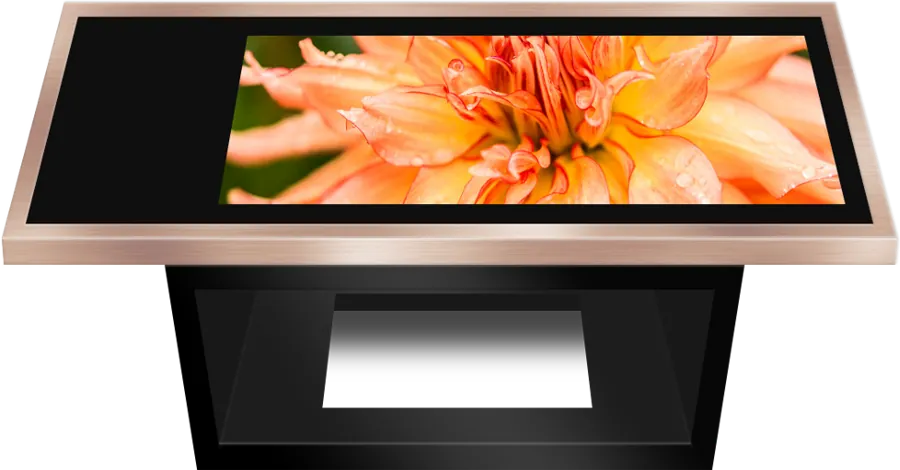
Touch coffee tables, fitness and fitting-room mirrors, portable easel screens.
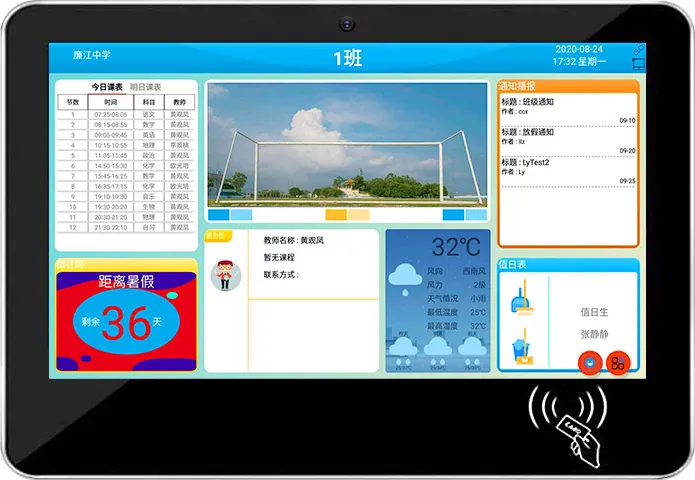
Digital class boards, bus stop screens, stretched bar displays and health stations.
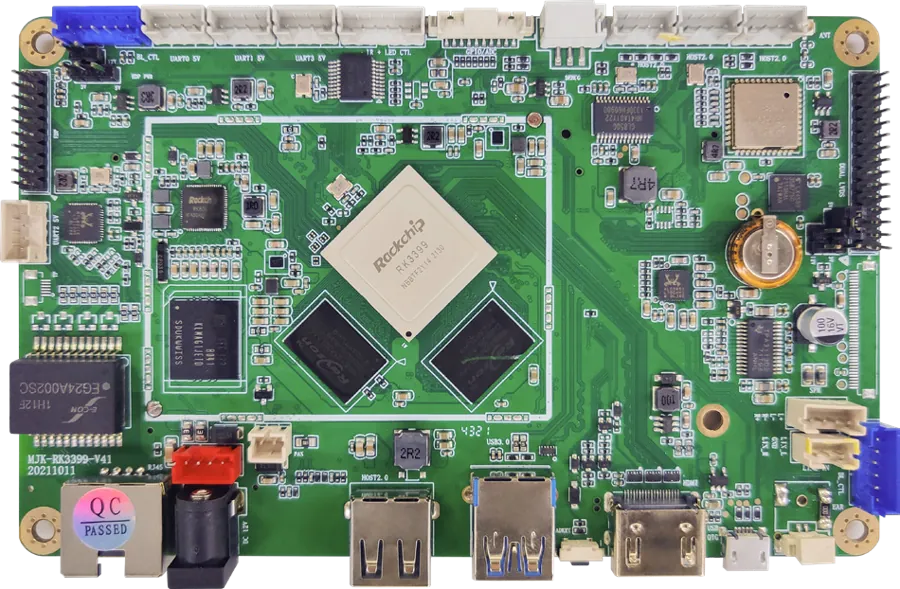
The mainboards inside our displays, sold to integrators and other manufacturers.
Send a size, a sketch or a reference model. You get a spec sheet and factory price from an engineer, usually within one working day.