Upright information kiosk
An upright information kiosk is a vertical touch-screen terminal for wayfinding and notices in places where floor space is tight. It uses a 10-point touch screen with 178° viewing under explosion-proof tempered glass, runs Android or Windows, connects by Wi-Fi, Ethernet or 4G, and comes with a choice of base styles and a logo panel.
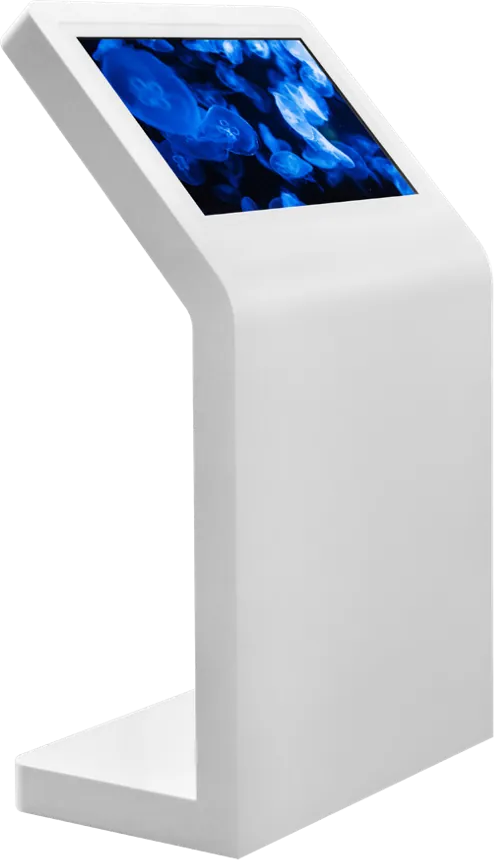
Specifications
| Form | Upright; portrait or angled screen |
|---|---|
| Touch | 10-point touch, 178° viewing |
| Glass | Explosion-proof, scratch-resistant tempered glass |
| OS | Android or Windows |
| Network | Wi-Fi, Ethernet, 4G |
| Color | White standard; silver, black or custom |
Specifications are from the factory catalog and may change with configuration. Ask for the current spec sheet.
Key features
- Small footprint for corridors and lobbies
- Portrait or angled screen
- Base styles to choose from
- Custom logo panel
Typical installations
- Hospital corridors and wards
- Office-building lobbies
- Government and school notice points
Commonly customized
- Base style
- Portrait or angled screen
- Logo panel and color
- Printer, scanner or camera
Frequently asked questions
Used in
How much floor space does the upright kiosk need?
Less than a tilted kiosk, because the screen stands vertically above a compact base; exact footprint depends on the screen size you choose.
Can it add a printer for tickets or maps?
Yes. Printer, scanner, camera or card reader can be added, and the cabinet is adjusted to fit them.
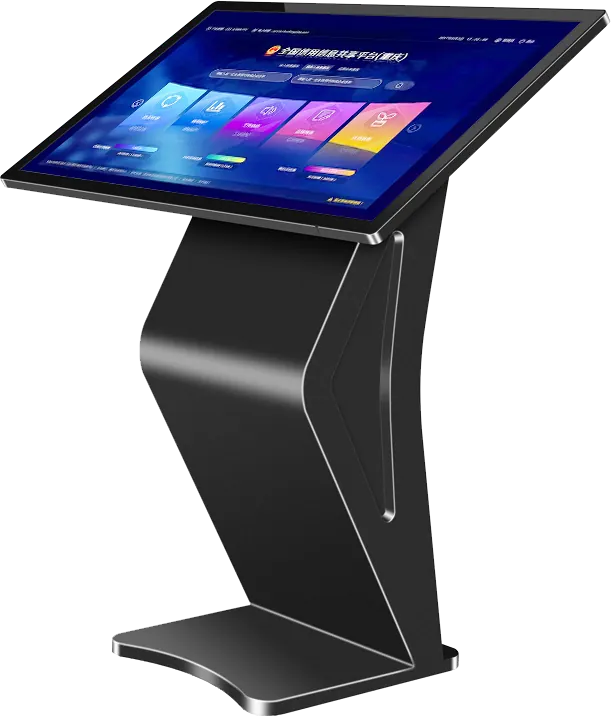
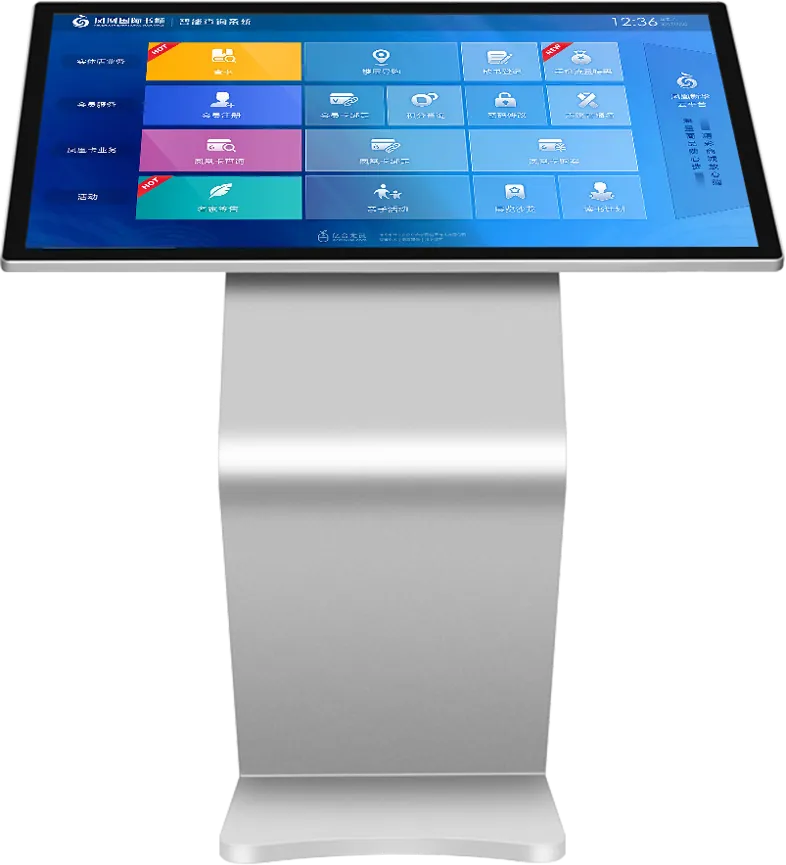
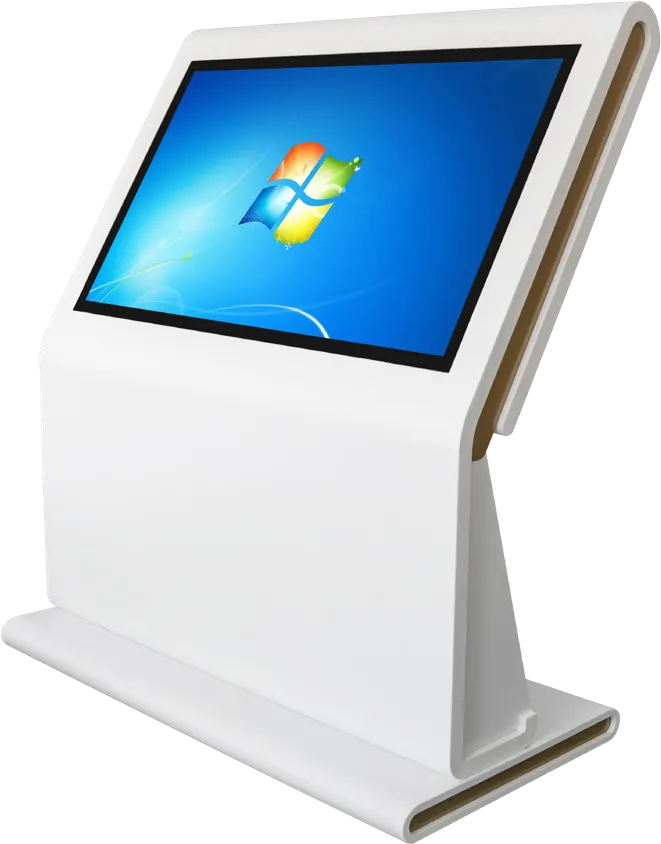
Quote: Upright information kiosk
Send a size, a sketch or a reference model. You get a spec sheet and factory price from an engineer, usually within one working day.
To get an accurate quote, tell us
- Product type and screen size
- Quantity and target market
- What to customize — logo, color, peripherals, software
- Your timeline
- Reply from an engineer within one working day
- Spec sheet and factory price, not a sales script
- Drawings can be protected under NDA