Commercial display vs consumer TV: which one to use for digital signage

Short answer: A consumer TV can show an advertisement, but it is built for a living room: a few hours of viewing a day, landscape on a stand, controlled by a person with a remote. A commercial display, also called a digital signage display or advertising player, is built for a public space: long daily hours, portrait or landscape mounting, scheduled content published remotely, and a cabinet made for shops, lobbies and streets. For a single menu screen in a small café a TV can do the job; once you run several screens, open long hours, mount in portrait or go outdoors, a commercial display is usually the cheaper choice over its life. This guide compares the two point by point, using the stated specifications of our signage and marking general rules of thumb as such.
- The difference is not mainly picture quality: indoors, our 55″ wall-mount signage runs at 350 cd/m², in the same range as many TVs. The difference is duty cycle, mounting, content management and service.
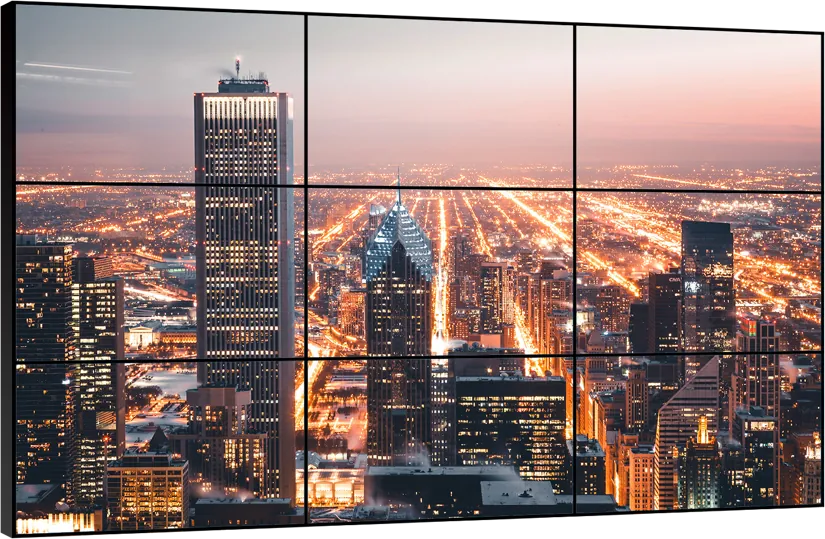
- Commercial displays are built to run long hours with scheduled power on/off; our stretched bar displays and LCD video walls are specified for 7×24 operation.
- A TV needs someone to change the content; signage is published remotely to many screens at once from a CMS, or plays offline from USB or SD card.
- Outdoors and in shop windows a TV is the wrong tool: our outdoor signage runs at 1,500–1,800 nits behind tempered glass in an IP55 cabinet.
1. What actually differs
A consumer TV and a commercial display often use LCD panels of similar size and resolution. What separates them is everything around the panel: how long it is designed to run, how it is mounted, how content reaches it, how it is locked against tampering, and who services it.
A TV assumes a person in front of it who chooses what to watch. A signage display assumes nobody is there: it switches itself on in the morning, plays a schedule, recovers after a power cut and switches off at night. That one difference in assumption explains most of the table below.
2. Commercial display vs consumer TV at a glance
TV characteristics are general and vary by brand and model; the commercial-display column uses the stated specifications of our own signage.
| Factor | Consumer TV (general) | Commercial display (our signage) |
|---|---|---|
| Daily operation | Designed for home viewing hours | Long daily hours with scheduled power on/off; bar displays and video walls specified for 7×24 |
| Orientation | Landscape on a stand or wall bracket; portrait often not supported | Landscape or portrait; floor-standing, wall-mount, ceiling-hung and double-sided models |
| Content | Apps, broadcast, USB played by hand | Cloud or LAN publishing with schedules and split screen; offline playback from USB or SD card |
| Control | Remote control and menus anyone can reach | Locked launcher, no consumer menus; managed remotely |
| Brightness | Set for living rooms | 350 cd/m² indoor wall-mount; 1,500–1,800 nits outdoor with automatic dimming |
| Enclosure | Plastic back, open vents, consumer stand | Metal frames and cabinets; tempered glass; IP55 cabinet on outdoor models |
| Computer inside | TV operating system chosen by the brand | Our own RK3288/RK3399 Android boards, or an Intel Core PC when Windows is required |
| Warranty in a shop | Check the terms: many consumer warranties exclude commercial use | One-year warranty with lifetime maintenance, for commercial use |
| Repeat orders | Consumer ranges change every season | Repeat and OEM batches built to the approved sample from the same factory |
3. Duty cycle and heat
A shop screen often runs ten to sixteen hours a day, every day; a transport or control-room screen runs around the clock. Running that long changes what matters: heat inside the cabinet, how a static logo or price list marks the panel (see image retention), and whether the unit comes back by itself after a power cut.
Our signage switches on and off on a schedule set in the publishing software. Our stretched bar display and LCD video wall are specified for 7×24 operation, and the video-wall panels add automatic image-retention removal for monitoring walls. Every unit is function-tested and burned in before it leaves the factory.
As a general rule, if a screen will run more than a normal working day, or in a warm shop window, ask the supplier what daily operating hours the product is designed for and get the answer in writing.
4. Portrait, mounting and enclosure
Much retail and lobby content is portrait: posters, menus, wayfinding. Many TVs are not designed to be turned on their side, because their ventilation and stands assume landscape. Signage is built for both.
- Wall-mount signage: 55″, 1920 × 1080, 350 nits, aluminium frame, 55 mm deep, Wi-Fi and speakers built in, landscape or portrait.
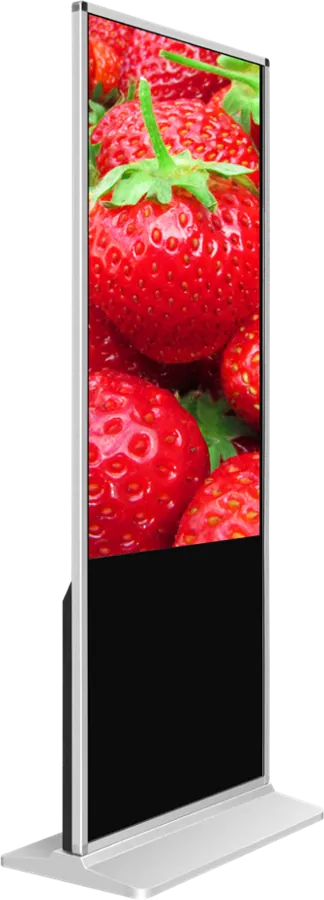
- Indoor floor-standing signage: a free-standing portrait totem for entrances and lobbies, with optional touch.
- Ceiling-hung double-sided display: two screens back to back for shop windows and corridors.
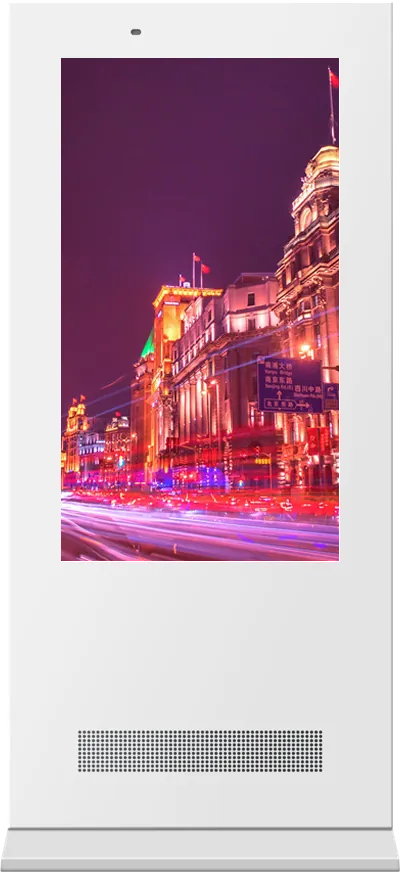
- Outdoor floor-standing signage: 1,500 nits with automatic brightness, IP55 galvanized cabinet, 6 mm tempered glass and smart cooling.
Choosing between these formats is covered in the floor-standing signage guide and the outdoor signage guide.
5. Content management: the real reason to buy signage
With one TV, a staff member can change the picture with a USB stick. With twenty screens in five stores, nobody can. Signage is published from a content management system: you build a layout, schedule it by day and hour, and send it to one screen, a group or every store at once. Our signage supports split-screen layouts, landscape and portrait, program scheduling, timed power on/off and remote publishing to networked units, and plays from USB or SD card when there is no network.
The system can run in a browser (B/S) or a desktop client (C/S); the trade-offs, and whether to use your own CMS instead, are explained in the digital signage CMS guide. If you need Windows software rather than Android, see Android vs Windows.
6. Brightness, glass and outdoor use
Indoors, brightness is not the main argument for signage: our 55″ wall-mount model runs at 350 cd/m², a level many TVs also reach. The gap opens in daylight. A screen facing the street through a shop window, or standing outdoors, competes with the sun, and a living-room TV becomes hard to read. Our outdoor signage runs at 1,500 nits and the portable outdoor poster at 1,800 nits, both dimming automatically at night (see nits and IP rating).
Glass matters too: public screens get touched, knocked and cleaned with whatever is at hand. Our outdoor models sit behind 6 mm tempered glass.
7. Total cost: the cheaper screen is not always the cheaper project
A TV usually has the lower purchase price. Over a project, the costs that decide the answer are elsewhere:
- Labour to update content on every screen by hand, or travel to each site.
- Replacements when a screen runs outside the conditions it was designed for, and when the same model is no longer sold.
- Mounting and enclosures bought separately to make a TV fit a shop, a pillar or a window.
- Warranty that may not cover commercial use.
As a rule of thumb: one screen, short hours, content changed rarely, landscape, indoors — a TV can be enough. Several screens, long hours, portrait, remote updates, shop windows or outdoors — specify a commercial display. For branded batches see OEM.
8. What to put in your request for quotation
| Item | What to specify |
|---|---|
| Size and orientation | Diagonal; landscape, portrait or both |
| Location | Indoor, shop window facing the street, semi-outdoor or outdoor |
| Operating hours | Hours per day and days per week |
| Mounting | Wall, floor-standing, ceiling-hung, double-sided, video wall |
| Content | Number of screens, layouts, who updates and from where; your own CMS or ours |
| Operating system | Android or Windows; apps that must run |
| Touch | None, infrared or capacitive |
| Branding | Logo, boot screen, cabinet color, packaging |
Send the list through the contact page and an engineer will propose the model and configuration.
Frequently asked questions
Can I use a normal TV for digital signage?
For one indoor screen with short daily hours and content changed rarely, yes. For several screens, long hours, portrait mounting, remote updates or a shop window or outdoor site, a commercial display is the safer choice because it is built for that duty and managed remotely.
Is a commercial display brighter than a TV?
Indoors, not necessarily: our 55″ wall-mount signage runs at 350 cd/m², similar to many TVs. Outdoor and window models are much brighter: our outdoor signage runs at 1,500–1,800 nits with automatic dimming.
Can a commercial display run 24 hours a day?
Displays specified for 24/7 can. Our stretched bar displays and LCD video walls are specified for 7×24 operation; other signage uses scheduled power on and off. Ask for the designed daily operating hours of the exact model.
How is content updated on many signage screens?
Through a content management system: you schedule layouts and publish them over the network to one screen, a group or all sites at once. Our signage also plays from USB or SD card when it is offline.