Dual-screen service terminal
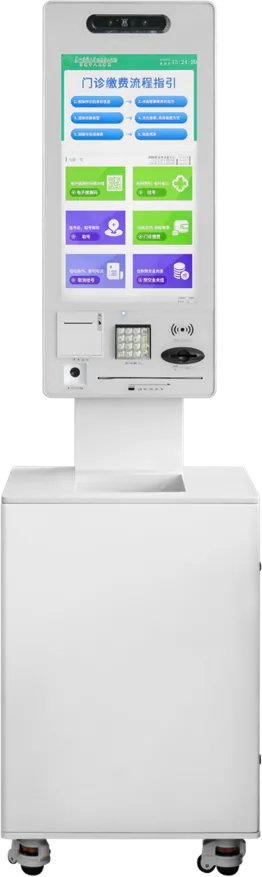
The 21.5″ dual-screen service terminal is an unattended kiosk with two HD screens: the user operates a 10-point capacitive touch screen while the second screen shows guidance or advertising. It reads ID cards, verifies faces with a built-in 2 MP camera and face algorithm, adds card-swipe and print modules, and can run Android and Windows as a dual system.
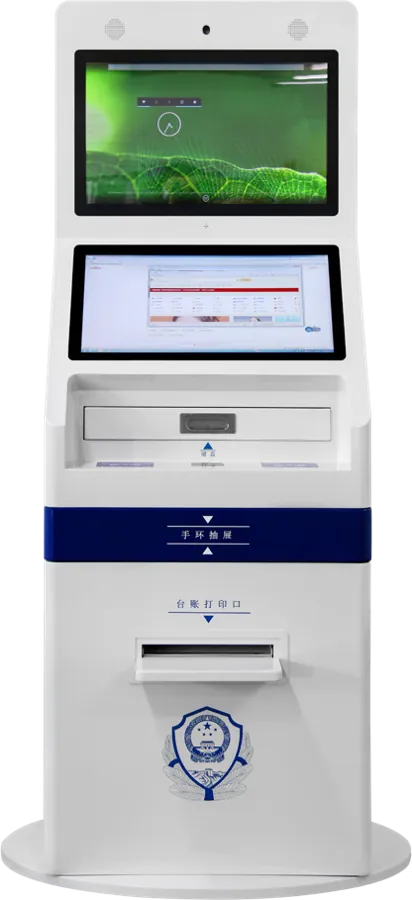
Specifications
| Screens | Dual HD LCD; 21.5″ 10-point capacitive touch |
|---|---|
| OS | Android + Windows dual system |
| Identity | ID card reader; 2 MP monocular face camera with Baidu face algorithm |
| Modules | Card swipe, printing |
| Wireless | Wi-Fi and Bluetooth 4.0 |
| Audio | 5 W amplifier |
| Enclosure | Explosion-proof, dust-proof design |
Specifications are from the factory catalog and may change with configuration. Ask for the current spec sheet.
Key features
- Two screens: one for the user, one for guidance or ads
- ID card reading and face verification
- Card swipe and document printing
- Android + Windows dual system option
Typical installations
- Government service halls
- Social-security and tax self-service points
- Hospital registration and report printing
Commonly customized
- Second screen as touch or display only
- Printer type: receipt or A4
- Passport or local ID reader
- Cabinet color and agency logo
Frequently asked questions
Related buying guides
Export certifications for kiosks and digital signage: CE, FCC, RoHS, UL and more
Queue management systems: a buying guide to ticket kiosks, calling displays and counters
Custom kiosk enclosure design: materials, finishes, structure and approval
What is the second screen used for?
Usually for guidance, queue information or advertising while the user works on the touch screen; it can also show a different system when the dual-OS build is chosen.
Can it read passports instead of Chinese ID cards?
The standard module reads Chinese second-generation ID cards; for export we fit the reader your documents require and confirm it before production.
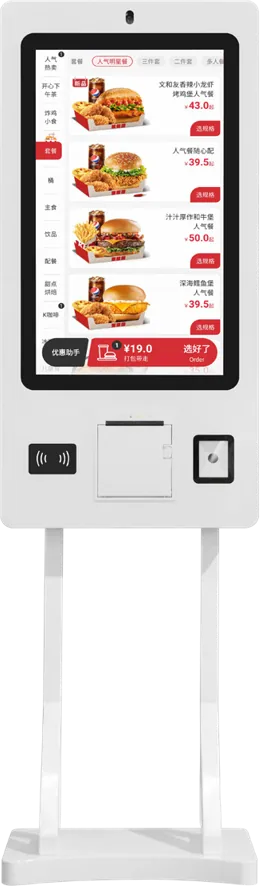
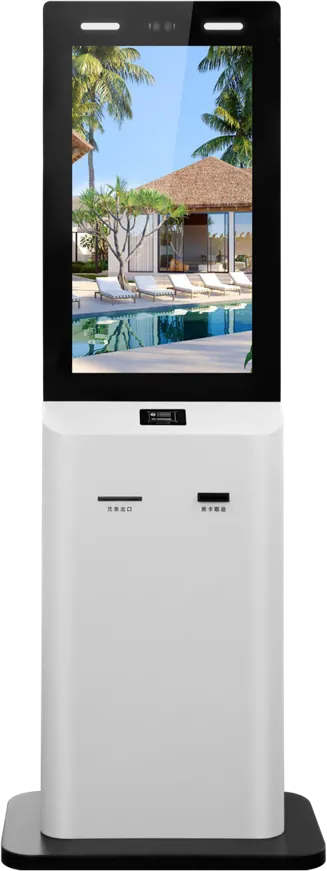
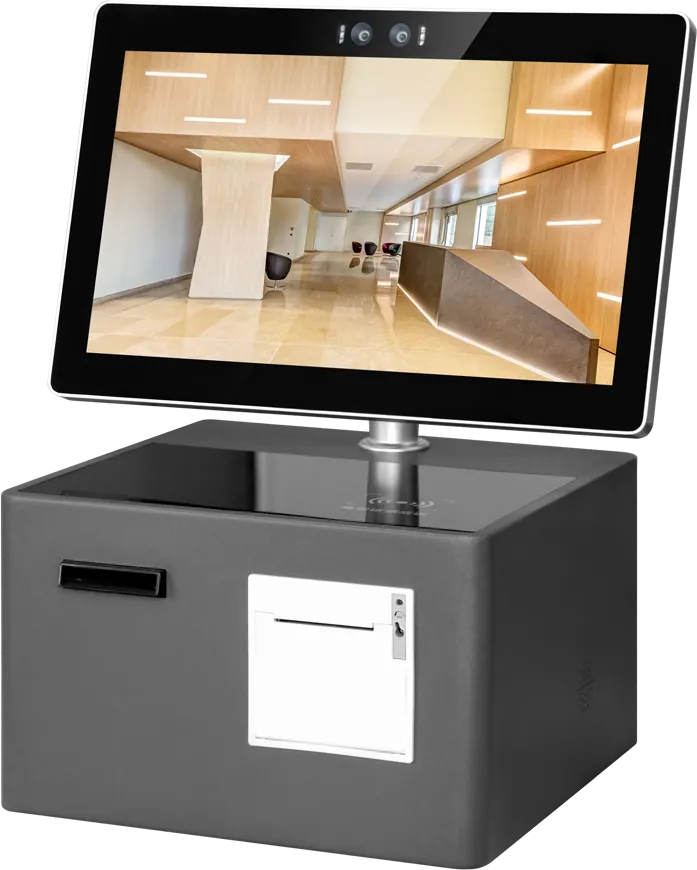
Quote: Dual-screen service terminal
Send a size, a sketch or a reference model. You get a spec sheet and factory price from an engineer, usually within one working day.
To get an accurate quote, tell us
- Product type and screen size
- Quantity and target market
- What to customize — logo, color, peripherals, software
- Your timeline
- Reply from an engineer within one working day
- Spec sheet and factory price, not a sales script
- Drawings can be protected under NDA