Kiosk peripherals explained: what each module does and what to specify
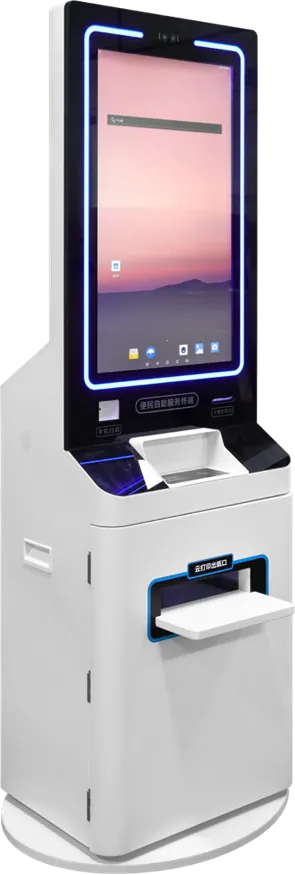
Short answer: A kiosk peripheral is any module beyond the screen and mainboard that lets the kiosk finish a task: print, scan, read a card, issue a card, see a face, sense a person or connect over 4G. Choose peripherals from the user’s workflow, one step at a time, and give the factory the exact models, card types and SDKs before the cabinet is designed.
- Choose peripherals step by step from the user’s workflow; every module adds cost, a driver and a possible failure point.
- 80 mm thermal printers handle receipts, 58 mm suits short tickets, and A4 printers are for documents.
- For readers and cameras, name the card types, ID documents and face SDK, not just “card reader”.
- Count serial and USB ports on the board and test the complete kiosk with your software before shipping.
What counts as a kiosk peripheral
A self-service kiosk is a touch screen and a mainboard in a cabinet, plus the modules that let a customer finish a job without staff. Those modules are the peripherals. They decide what the kiosk can do and much of what it costs; our kiosk cost breakdown shows that peripherals move the price more than screen size does.
Start from the workflow. Write down each step the user takes (find, verify, pay, receive) and add the module that step needs. Nothing else.
Peripherals at a glance
| Peripheral | What it does | Catalog models that use it | What to specify |
|---|---|---|---|
| Thermal printer (58 / 80 mm) | Prints receipts, tickets and slips without ink | Hotel check-in kiosk (80 mm), self-ordering kiosk, payment kiosk | Paper width, roll size, auto-cutter, paper-low sensor |
| A4 printer | Prints full-page documents and forms | Smart parcel & storage locker, dual-screen service terminal | Volume, consumables, reload access |
| QR / barcode scanner | Reads payment codes, tickets, booking codes, labels | Self-ordering kiosk, payment kiosk, parcel locker, unattended AI terminal, bank & government terminal | 1D or 2D, reading from phone screens, window position |
| ID / IC / NFC reader | Reads ID documents, smart cards, contactless taps | Hotel and desktop check-in, dual-screen terminal, payment kiosk, class board, campus attendance kiosk | Card types, documents, read-only or read/write, SDK |
| Card dispenser | Issues and recycles room or membership cards | Hotel check-in kiosk, desktop check-in terminal | Card capacity, encoder for your lock system, recycle slot |
| Face camera | Verifies identity, records attendance or transactions | Payment kiosk (5 MP), hotel kiosks (binocular), parcel locker (binocular), AI terminal, dual-screen terminal | Single or binocular, liveness, resolution, USB or MIPI, SDK |
| Payment-terminal bracket | Holds a certified card terminal in the cabinet | Made per project around your terminal | Exact terminal model, cable route, access |
| PIR sensor | Detects an approaching person and wakes the screen | Payment kiosk | Detection distance, idle behavior |
| 4G module | Mobile data where there is no cable, or as backup | Bank & government terminal, payment kiosk, horizontal touch kiosk; optional on several lines | Country and LTE bands, SIM access, antenna |
Printers: 58 mm, 80 mm and A4
A thermal printer prints by heating coated paper, so there is no ink or ribbon to replace, only paper rolls. Width is the first decision.
- 58 mm is a common width for short tickets such as queue numbers and simple payment slips.
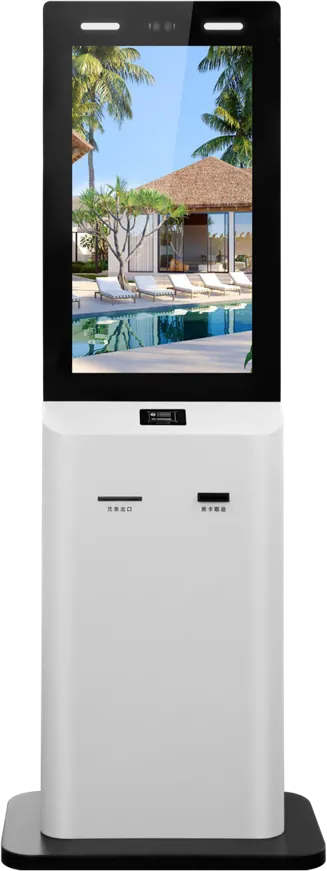
- 80 mm is the usual width for receipts with itemized orders, logos and QR codes. Our hotel self check-in kiosk uses an 80 mm thermal printer; the self-ordering kiosk and the payment kiosk have built-in thermal receipt printers.
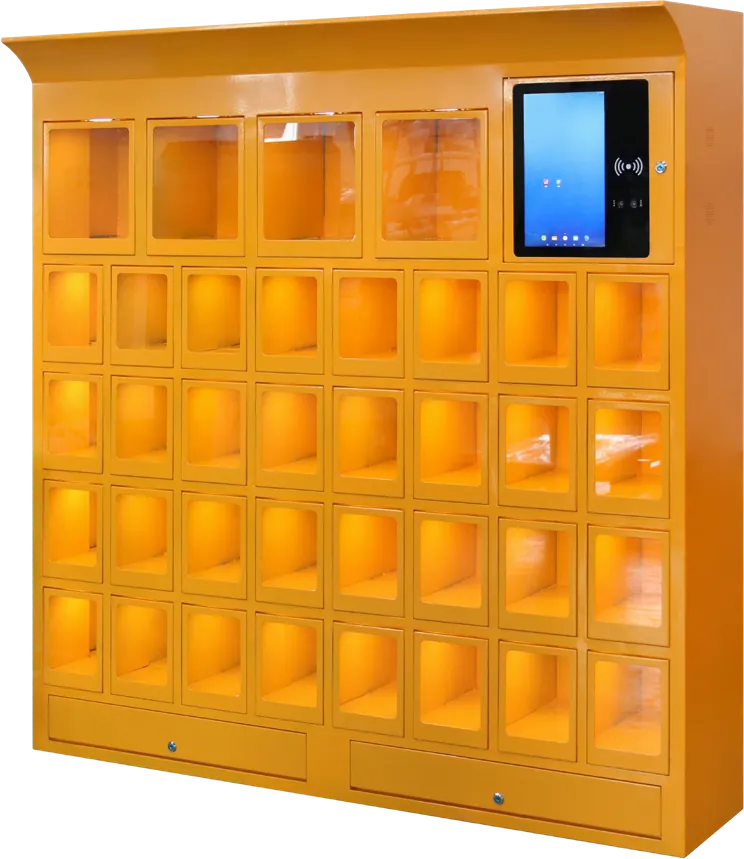
- A4 is for documents. The smart parcel and storage locker carries an ink A4 printer: in our data sheet one black cartridge prints about 4,000 A4 pages, and the back office reads low-ink and paper-jam status. The dual-screen service terminal prints documents for government services.
Specify paper width, roll diameter (bigger rolls mean fewer refills), an auto-cutter, a paper-low sensor that reports to your back office, and where staff open the cabinet to reload.
Scanners and card readers
A QR/barcode scanner reads payment codes from phones, tickets, booking codes or product barcodes. A 1D scanner reads only linear barcodes; a 2D engine also reads QR codes, including from phone screens. Our self-ordering kiosk uses a 180° wide-window scanner so customers do not have to aim. The payment kiosk has an embedded 2D engine. The parcel locker uses a high-speed 1D module for parcel labels. The unattended AI terminal and the bank and government terminal have QR modules.
Card readers cover three different jobs:
- ID document readers read identity cards or passports. The dual-screen service terminal reads Chinese second-generation ID cards; the hotel kiosk pairs ID reading with face recognition. The bank and government terminal adds a bank-card slot.
- IC card readers/writers read and write smart cards. The 32″ payment kiosk in our brochure reads and writes Sinopec fuel cards for top-ups. The desktop check-in terminal, the digital class board and the campus attendance kiosk read IC/ID cards.
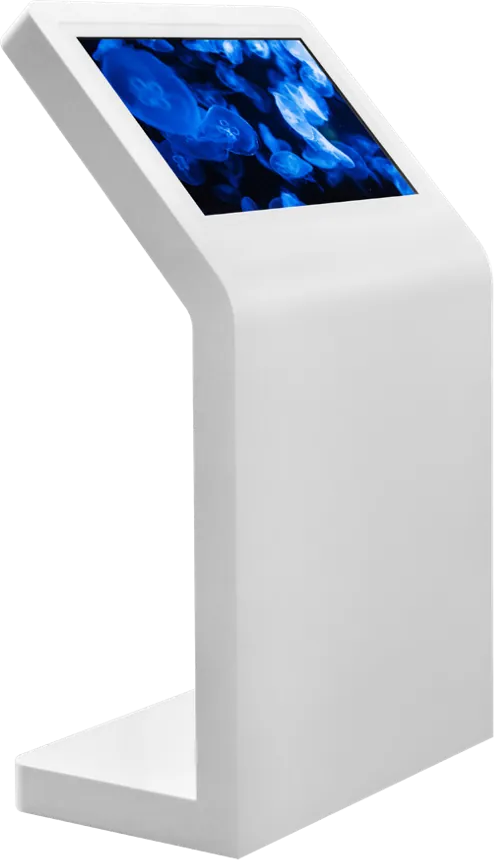
- NFC handles contactless taps: phone payments, membership cards, staff badges. The self-ordering kiosk supports NFC payment, and NFC is an option on the pedestal touch table.
Name the exact card family your system uses, the documents your users carry, and whether the kiosk only reads or also writes. “Card reader” alone is not a specification.
Card dispensers and payment terminals
A card dispenser holds a stack of blank cards, passes each one past an encoder and pushes it out; a recycling slot takes cards back. Our floor-standing hotel kiosk issues and recycles room cards automatically, and the 15.6″ desktop terminal issues cards at the front desk. The encoder must match your door-lock system, so give the lock brand and card type at the quote stage. Our hotel check-in kiosk guide covers this in detail.
A payment-terminal bracket holds a certified card terminal supplied by your bank or payment provider. The terminal handles the card data and the kiosk software only receives the result, which keeps card data out of the kiosk. Send us the exact terminal model so the cut-out, bracket and cable route fit; the self-ordering kiosk guide explains why this matters.
Face cameras
A face camera captures the user for identity checks, attendance or a transaction record. Two things matter: liveness detection and resolution.
- Binocular cameras pair a color sensor with a second sensor so the software can tell a live face from a photo. The parcel locker uses a 2 MP wide-dynamic color sensor plus a 2 MP mono sensor with liveness detection, up to 1080P at 30 fps. The hotel check-in kiosks also use binocular cameras.
- Single cameras cost less and work where liveness is handled another way. The dual-screen service terminal uses a 2 MP camera; the payment kiosk a 5 MP camera.
- Interface. Cameras connect by USB or MIPI. The bank and government terminal supports an 8 MP USB camera.
The unattended AI terminal adds license-plate recognition for car parks and outdoor sites. Tell us which face algorithm or SDK you will run so the camera matches it.
PIR sensors and 4G
A PIR (passive infrared) sensor detects a person approaching. The payment kiosk uses one to wake the screen when someone walks up, which saves power and draws attention. Specify the detection distance and what the screen should show when nobody is there.
A 4G module gives the kiosk mobile data where no cable exists, or a backup link. 4G is listed on the bank and government terminal, the payment kiosk and the horizontal touch kiosk, and is optional on wall-mount signage, face terminals and vending machines. Name the country and carrier so the module covers the right LTE bands, and decide where the SIM slot and antenna go.
How peripherals connect, and how to test them
Most peripherals connect to the mainboard by USB or serial port. Our 21.5″ class-board build has three serial ports for 4G, NFC, printer, card reader, scanner and ID reader. The POS terminal takes printers, scanners, cash drawers and card readers through USB and serial. Count every module against the ports on the board; our RK3288 vs RK3399 note covers board choice.
- List each peripheral with brand, model and interface.
- Confirm a driver or SDK exists for your operating system.
- Pre-install your app in kiosk mode on the sample and run complete transactions.
- Check service access for paper, cards and cartridges.
We pre-install and test your Android APK or Windows application before shipping, and our software team can adapt it to the printer, scanner and card reader we fit. Browse the self-service kiosk line or send us your workflow.
Frequently asked questions
Should a kiosk use a 58 mm or 80 mm thermal printer?
Use 80 mm for receipts with itemized lines, logos or QR codes; it is the width on our hotel check-in kiosk. 58 mm is a common choice for short tickets such as queue numbers.
What is the difference between an ID reader, an IC card reader and NFC?
An ID reader reads identity documents. An IC reader/writer reads and writes smart cards such as fuel or membership cards. NFC handles contactless taps from cards and phones. Many kiosks need more than one.
Can you fit our own payment terminal?
Yes. Send the exact terminal model and we design the cut-out, bracket and cable route around it, then test it in the complete kiosk with your software.