Accessible self-service kiosks: what the ADA and the European Accessibility Act require, and how to specify them
Short answer: An accessible self-service kiosk is one that a wheelchair user can reach, a blind user can operate by sound and touch, and a user with low vision or limited dexterity can read and use in time. In the United States, the 2010 ADA Standards set reach ranges for operable parts and specific rules for ATMs and fare machines. In the European Union, the European Accessibility Act (Directive (EU) 2019/882) has applied since 28 June 2025 to payment terminals and to ATMs, ticketing, check-in and information terminals used for covered services, with EN 301 549 as the harmonised standard. This guide summarises those requirements — always check the official texts linked below — and turns them into hardware and software items you can put in a request for quotation.
- ADA 2010 Standards: unobstructed forward reach is 15–48 in (380–1220 mm) above the floor; ATMs and fare machines also need speech output, tactile keys and a screen visible from 40 in (1015 mm).
- European Accessibility Act: applies since 28 June 2025 to new payment terminals and to ATMs, ticketing, check-in and information terminals for covered services; existing terminals may stay in use for their economic life, up to 20 years.
- Requirements include text-to-speech, a socket for personal headsets, tactile controls, adjustable contrast and presentation, and more time for timed steps.
- Our catalog does not state ADA or EN 301 549 conformity for any model, so specify accessibility per project; height, cabinet, audio, keypad and software can be changed through OEM or ODM.
1. Who needs an accessible kiosk
Accessibility rules apply to the operator of the service and to the product placed on the market, so both the buyer and the manufacturer have a part to play. In practice, the question comes up for banks, transport operators, airports, hotels, hospitals, government offices, retailers and restaurants that replace a counter with a terminal. If a kiosk is the only way to buy a ticket, check in or pay, it has to be usable by everyone who uses that service.
Besides the legal duty, accessible design is simply good kiosk design: clear contrast, reachable controls and sound feedback help every user in a busy station or lobby.
2. United States: the 2010 ADA Standards
The 2010 ADA Standards for Accessible Design set the physical rules most US buyers use for kiosks:
| Requirement | 2010 ADA Standards |
|---|---|
| Clear floor space in front | 30 × 48 in (760 × 1220 mm) (§305) |
| Forward reach, unobstructed | Operable parts between 15 in and 48 in (380–1220 mm) above the floor (§308) |
| Operation | Operable with one hand, without tight grasping, pinching or twisting of the wrist (§309) |
| ATMs and fare machines: speech | Speech output for all information needed to use the machine; repeatable, interruptible, with volume control (§707.5) |
| ATMs and fare machines: input | Tactile controls; numeric keys in a 12-key telephone or calculator layout with a raised 5 key; tactile symbols on function keys (§707.6) |
| ATMs and fare machines: screen | Visible from 40 in (1015 mm) above the floor space; sans-serif characters at least 3/16 in (4.8 mm) high (§707.7) |
| ATMs and fare machines: Braille | Braille instructions for starting speech mode (§707.8) |
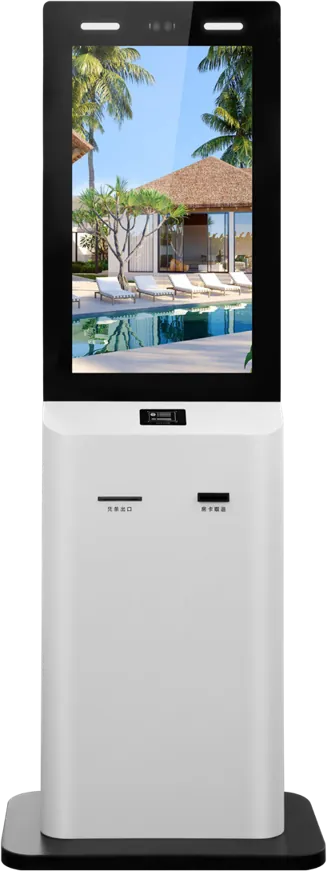
Section 707 is written for ATMs and fare machines, but payment and ticketing kiosk buyers often use it as the benchmark. The upper reach limit is the one most standard kiosks miss: our 32″ payment kiosk is 1810 mm tall, so check where each touch target, card slot and printer outlet sits.
3. European Union: the European Accessibility Act
The European Accessibility Act, Directive (EU) 2019/882, has applied since 28 June 2025. For self-service terminals it covers:
- Payment terminals, as products.
- ATMs, ticketing machines, check-in machines and interactive information terminals dedicated to services covered by the Act, such as consumer banking, passenger transport and e-commerce.
Terminals installed as integrated parts of vehicles, aircraft, ships or rolling stock are excluded. Terminals lawfully in use before 28 June 2025 may stay in use until the end of their economically useful life, but no longer than 20 years after they entered use. New terminals must meet the requirements.
The requirements for self-service terminals include:
- text-to-speech output for the information on screen;
- the use of personal headsets;
- where a response is timed, an alert through more than one sensory channel and the option to extend the time;
- adequate contrast and adjustable presentation, such as larger text;
- tactilely discernible keys and controls, where keys and controls are present.
Conformity is usually shown against EN 301 549, the European standard for ICT accessibility, which also covers reach and operable parts in its hardware clauses. A new version, EN 301 549 V4.1.1, was published in September 2026; check which version is cited in the Official Journal when you write your specification.
Each EU country also has its own implementing law and market surveillance authority, so confirm national details for your market.
4. Hardware that makes a kiosk accessible
| Item | What to specify |
|---|---|
| Height and reach | Every touch target, card reader, NFC pad, scanner window and printer outlet used in the transaction within your reach range, e.g. 380–1220 mm for the ADA |
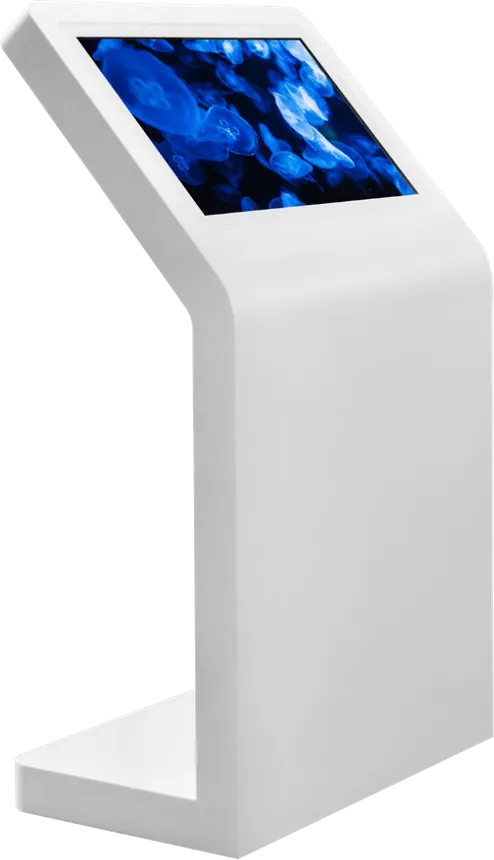
| Screen angle | Tilted screen readable from a seated position; anti-glare glass |
| Knee and toe space | For a forward approach, a recess under the operable area; otherwise plan a parallel approach |
| Audio | Amplifier and speaker for speech output, plus a 3.5 mm socket for personal headsets |
| Tactile input | Tactile keypad with raised 5 key and function-key symbols, or a navigation keypad next to the touch screen |
| Braille and tactile labels | Braille instructions for starting audio mode; tactile marks at card slots and outlets |
| Contactless | NFC and QR so a user does not have to insert or grip a card |
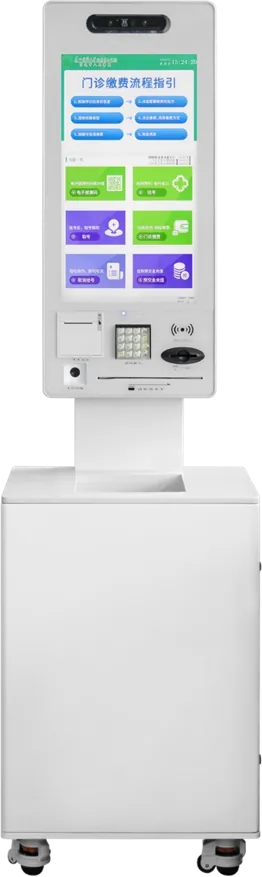
Our kiosks already carry the audio hardware that speech output needs: the 32″ payment kiosk, the hotel check-in kiosk and the dual-screen government terminal each have a 5 W amplifier, and the queue ticket kiosk has stereo audio. The self-ordering kiosk can be wall-mounted, which lets you set the screen height on site.
5. Software: where most accessibility is decided
- Audio mode: text-to-speech that reads every prompt and confirmation, started by a tactile key or by plugging in headphones.
- Keypad navigation: every step reachable without touching the screen.
- Low-reach layout: a mode that moves buttons to the lower part of the screen.
- Contrast and text size: a high-contrast theme and larger text on request.
- Time: warnings before a timeout, by sound and on screen, and a way to ask for more time.
- Languages: plain wording in the languages of your users.
On Android kiosks, much of this is built into the application; the launcher and kiosk mode are set at the factory (see kiosk mode). Whether to run Android or Windows is compared in Android vs Windows.
6. Turning a standard kiosk into an accessible one
Our catalog does not state ADA or EN 301 549 conformity for any model, so treat accessibility as a requirement you write into the project. Because we make the cabinet, the mainboard and the software, the changes are practical:
- OEM changes on an existing model: headset socket, tactile keypad, Braille labels, software audio mode. See OEM.
- ODM changes: lower or tilted screen, a recessed cabinet for a forward approach, relocated card reader and printer outlet. See ODM and the enclosure guide.
- Testing: plan accessibility testing alongside the other marks your market needs; see the certification guide.
For payment and ordering projects, combine this guide with the payment kiosk guide and the self-ordering kiosk guide.
7. Accessibility checklist for your RFQ
| Item | What to state |
|---|---|
| Market and rules | Country of use; ADA, EAA and EN 301 549 version, or your own specification |
| Service | What the kiosk does: payment, ticketing, check-in, information |
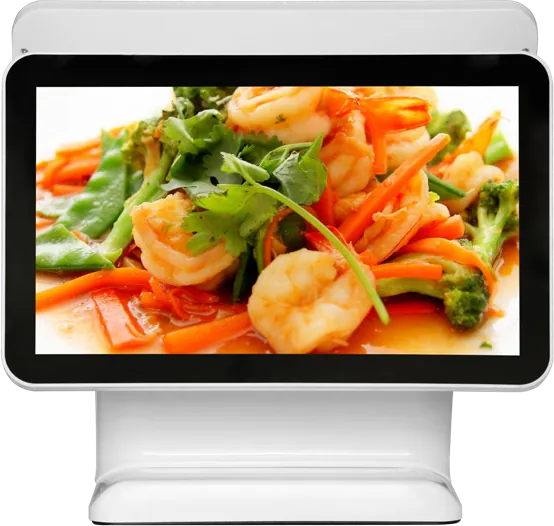
| Approach | Forward or parallel approach; free-standing, wall-mounted or desktop |
| Reach range | Maximum and minimum height of every operable part |
| Audio | Speech output, headset socket, volume control |
| Input | Tactile keypad layout and symbols; contactless payment |
| Software | Audio mode, keypad navigation, contrast, text size, timeouts, languages |
| Evidence | Which test reports or declarations you need at delivery |
Send it with your project details through the contact page.
Frequently asked questions
What height should an accessible kiosk be?
Under the 2010 ADA Standards, operable parts reached forward without obstruction must be between 15 in and 48 in (380–1220 mm) above the floor. Check the height of every touch target, card reader and printer outlet, not just the cabinet.
Does the European Accessibility Act apply to self-service kiosks?
Yes. Since 28 June 2025 it applies to payment terminals and to ATMs, ticketing, check-in and interactive information terminals used for covered services such as banking, passenger transport and e-commerce. Terminals already in use may stay in service for up to 20 years.
What does a kiosk need for blind users?
Text-to-speech for all on-screen information, a socket for personal headsets, tactile keys or a navigation keypad, and Braille instructions for starting the audio mode. ATMs and fare machines under the ADA must also provide repeatable, interruptible speech with volume control.
Can an existing kiosk model be made accessible?
Often, yes. Headset sockets, tactile keypads, Braille labels and an audio mode in the software can be added to an existing model; a lower screen or a recessed cabinet needs an ODM change to the cabinet.